
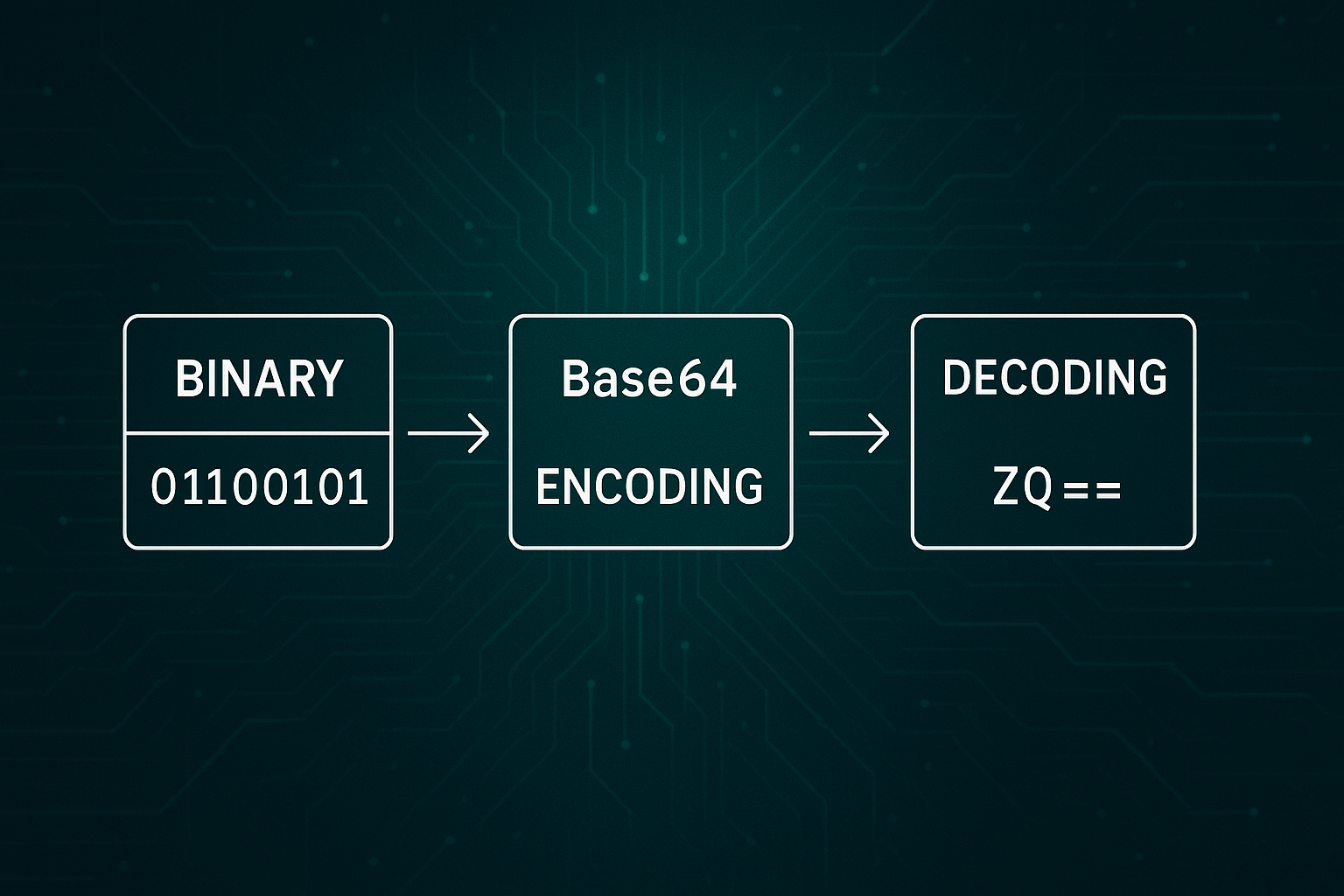
If you’ve ever copied a long string of random letters, numbers, and symbols from an API response or an image tag, you’ve likely seen Base64 in action. Our free Base64 Encoder & Decoder lets you encode and decode Base64 text instantly—right in your browser, with no signup, no ads, and full privacy.
In this guide, we’ll explain what Base64 encoding is, why it’s used, common use cases, and how you can convert data to and from Base64 in seconds.
What is Base64 Encoding?
Base64 is a method of representing binary data—such as images, files, or text—as plain ASCII text. It uses 64 characters (A–Z, a–z, 0–9, +, and /) to ensure the data can be safely transmitted or stored in text-only systems.
Example:
iniCopyEditSGVsbG8sIFdvcmxkIQ==
This is simply the phrase “Hello, World!” encoded in Base64.
Base64 Encoding vs Encryption
Base64 is not encryption—it doesn’t hide your data. Anyone can decode it back to the original form. Instead, Base64 is about compatibility and formatting—making binary data safe to store or send in text-based systems. If you need security, use proper encryption.
When and Why Base64 is Used
Base64 encoding is ideal when binary data needs to be stored or transferred in a text-only environment without risk of corruption.
Common use cases:
- Developers – Encoding binary data or JSON payloads for APIs.
- QA testers – Verifying encoded strings for accuracy.
- Engineers – Handling authentication tokens or configuration parameters.
- Content managers – Storing encoded content in a CMS without breaking formatting.
- Embedding images – Inlining assets into HTML or CSS files.
- Email systems – Sending binary data over text-based protocols (MIME).
How to Convert Base64 Easily
The simplest way is with our Base64 Encoder & Decoder, which works entirely in your browser so your data never leaves your device.
Features include:
- Encode plain text to Base64 with one click.
- Decode Base64 back to human-readable text.
- Validation for detecting invalid Base64 input.
- One-click copy for results.
- Minimal, distraction-free interface for faster work.
Why Use Our Base64 Tool Instead of Others?
- Privacy-first – 100% client-side processing; no server storage.
- Fast & lightweight – Loads instantly with no extra steps.
- Developer-friendly – Perfect for API and coding workflows.
- Error handling built-in – Clear inline feedback instead of pop-ups.
Final Thoughts
Base64 encoding might seem like a minor technical detail, but it’s a core part of how modern apps move and store data safely. Whether you’re a developer, tester, or just someone working with encoded text, a reliable conversion tool can save time and prevent mistakes.
👉 Try the Base64 Encoder & Decoder now – encode, decode, validate, and copy results instantly, all without leaving your browser.