
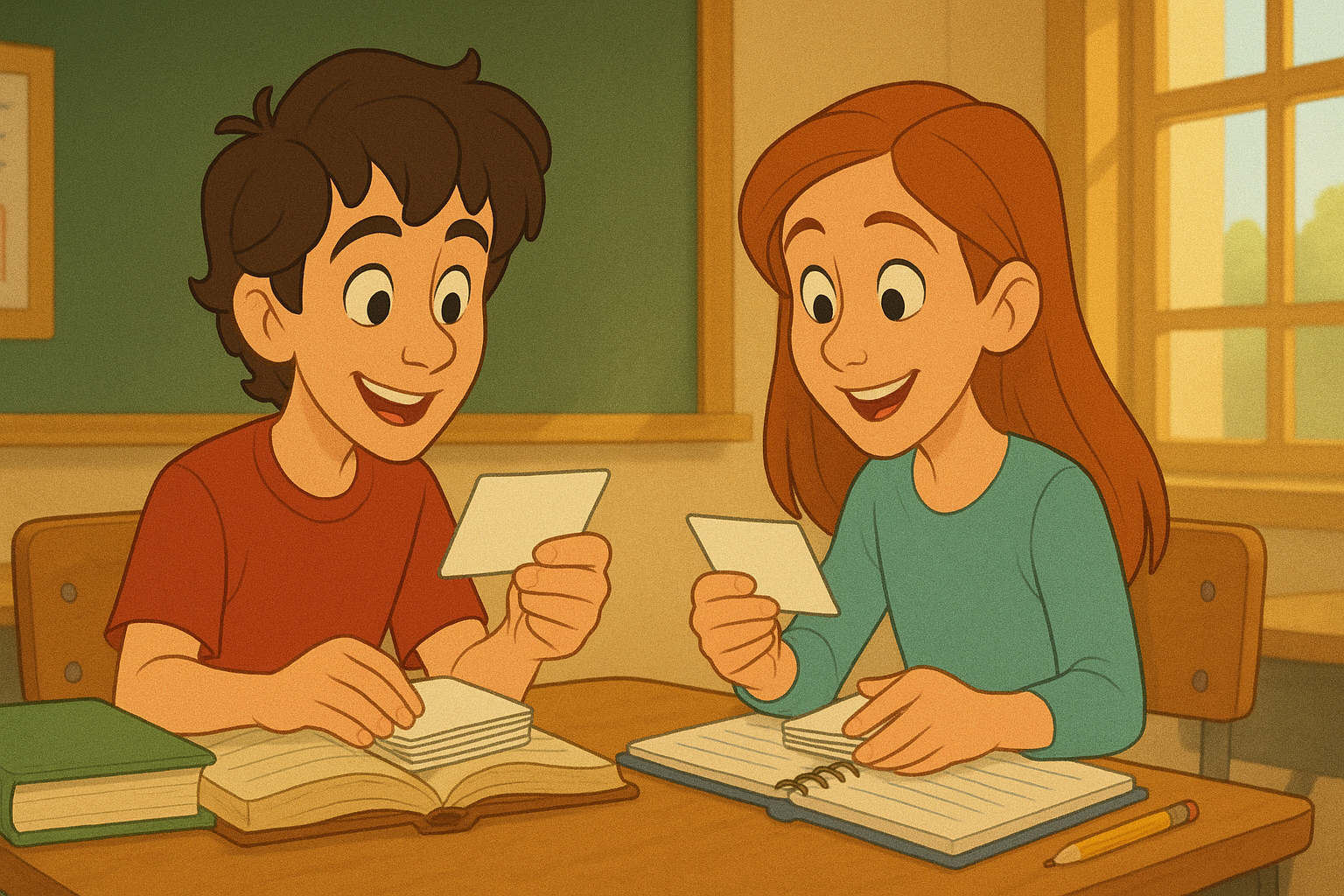
Flashcards have been a study staple for generations. From language learners drilling vocabulary to medical students memorizing anatomy, the simple “question on one side, answer on the other” format has proven to be one of the most effective learning tools ever created.
But while paper flashcards still work, they can be time-consuming to make, easy to misplace, and difficult to update. That’s why digital flashcards have become increasingly popular. They’re more flexible, portable, and interactive. And now, with The Tool Bakery’s Custom Flash Card Generator, you can create your own set of professional, animated flashcards online—instantly and for free.
In this article, we’ll explore why flashcards are so effective, show you how to use our free flash card maker, and share tips to get the most out of your study sessions.
Why Flashcards Work
Flashcards are built on two simple but powerful learning principles:
- Active Recall – Instead of passively reading or highlighting, flashcards force your brain to retrieve information. This active recall strengthens memory and makes learning stick.
- Spaced Repetition – By cycling through cards repeatedly and reviewing challenging ones more often, flashcards naturally support spaced repetition, one of the best-proven memory techniques.
Together, these methods help you learn faster and retain knowledge longer.
Meet the Custom Flash Card Generator
Our Flash Card Generator was designed to make studying more interactive and less stressful. Forget about printing, cutting, or dealing with clunky apps that require sign-ups. With this tool, you can create flashcards directly in your browser, customize them, and start practicing immediately.
Here’s what makes it stand out:
- Unlimited flashcards – Add as many as you need.
- Clean, mobile-friendly design – Cards display one at a time with smooth animations.
- Editable cards – Fix or update your cards anytime without starting over.
- Pastel themes – Each card is automatically styled with soft colors for an easy-on-the-eyes look.
- Interactive controls – Shuffle, restart, and delete cards on the fly.
Best of all, everything runs in your browser, meaning your study data never leaves your device.
How to Make Flashcards Online in Minutes
Creating your first flashcard set takes less than five minutes.
- Start with the basics – Enter your term/question in the “Front” field and the definition/answer in the “Back” field.
- Add more cards – Click the “+ Add Flash Card” button to create as many as you need.
- Choose the order – Keep them in the order you entered, reverse them, or shuffle for a random challenge.
- Generate your deck – Hit “Generate,” and your flashcards appear instantly with smooth animations.
- Start studying – Flip with the spacebar, navigate with arrows, or tap on mobile to reveal answers.
Want to change something? Edit cards directly without starting a new deck.
Key Features You’ll Love
The Flash Card Generator wasn’t built just to display questions and answers—it was designed for real-world learners who need flexibility. Here are some of its most powerful features:
- 3D Flip Animation – Each flashcard flips like a real card, making the experience more engaging.
- Keyboard Shortcuts – Use the left/right arrows to navigate and the spacebar to flip cards.
- Progress Counter – Always know which card you’re on out of the total.
- Shuffle Mode – Randomize your deck for a truer test of knowledge.
- Scrollable Text Areas – Long answers won’t break your layout; just scroll to read.
- Delete & Restart – Remove cards or reset your deck at any time.
- Mobile-Optimized – Works seamlessly on phones and tablets, perfect for studying on the go.
Who Can Use the Flash Card Generator?
One of the strengths of flashcards is their versatility. Our online tool is perfect for:
- Students – Study vocabulary, formulas, history dates, or exam prep questions.
- Teachers – Build quick review decks to share with students in class.
- Language Learners – Practice translations, verb conjugations, or phrases.
- Professionals – Review certifications, industry acronyms, or processes.
- Parents – Help kids memorize multiplication tables, spelling, or sight words.
- Writers & Creatives – Organize prompts, story ideas, or key facts.
If you can break information into “front” and “back” chunks, flashcards are a great option.
Tips for Effective Flashcard Studying
To get the most out of the Flash Card Generator, try these best practices:
- Keep cards short and simple – Aim for one concept per card. Long text makes studying harder.
- Use images sparingly – If studying visual material, you can pair short text with reference images.
- Shuffle often – Prevent memorizing the order instead of the actual content.
- Review daily – Even 10 minutes per day builds retention through spaced repetition.
- Focus on weak spots – Spend more time on cards you keep getting wrong.
- Teach back – When you flip the card, try explaining the concept out loud.
Example Flashcard Sets
Not sure where to start? Here are a few examples of how different people use the tool:
- SAT Prep Student: Vocabulary flashcards with “Word” on the front and “Definition + Example Sentence” on the back.
- Biology Class: Terms like “Mitochondria” on the front, with “Powerhouse of the cell; produces ATP” on the back.
- Language Learner: Front card: “Bonjour” → Back card: “Hello (French → English).”
- Medical Student: Drug name on the front, dosage and effects on the back.
- Parents with Kids: Front: “5 × 7 = ?” → Back: “35.”
The possibilities are endless.
Why Use Our Free Flash Card Maker Instead of Apps?
There are plenty of flashcard apps on the market, but most come with drawbacks:
- Paywalls or premium features.
- Sign-ups and cloud storage requirements.
- Complex interfaces that distract from studying.
Our tool avoids all of these by being:
- Completely free – No hidden costs.
- No accounts needed – Just open and use.
- Private – Data stays on your device.
- Lightweight – Loads instantly, no bloat.
It’s study made simple—exactly what flashcards should be.
Final Thoughts
Whether you’re preparing for a big exam, learning a new language, or just looking for a smarter way to retain information, flashcards remain one of the most powerful tools for memory and recall. With The Tool Bakery’s Custom Flash Card Generator, you can create unlimited, professional-looking flashcards in minutes—no downloads, no accounts, and no limits.
So stop wasting time with complicated templates or overpriced apps. Open the tool, type in your material, and start studying smarter today.
👉 Try the Custom Flash Card Generator now and experience how easy flashcards can be.