
If you’ve ever tried to upload an image and hit the dreaded “unsupported file type” error, you know how frustrating it can be. From iPhone HEIC photos that won’t open on older computers to websites that only accept PNG or JPG files, image format issues waste time and slow you down.
That’s where the Free Online Image Converter from The Tool Bakery comes in—your fast, private, no-signup solution for converting images between all major formats. Everything happens right in your browser, so there are:
- No downloads
- No privacy risks
- No limits—just instant, hassle-free conversions.
What Is an Image Converter?
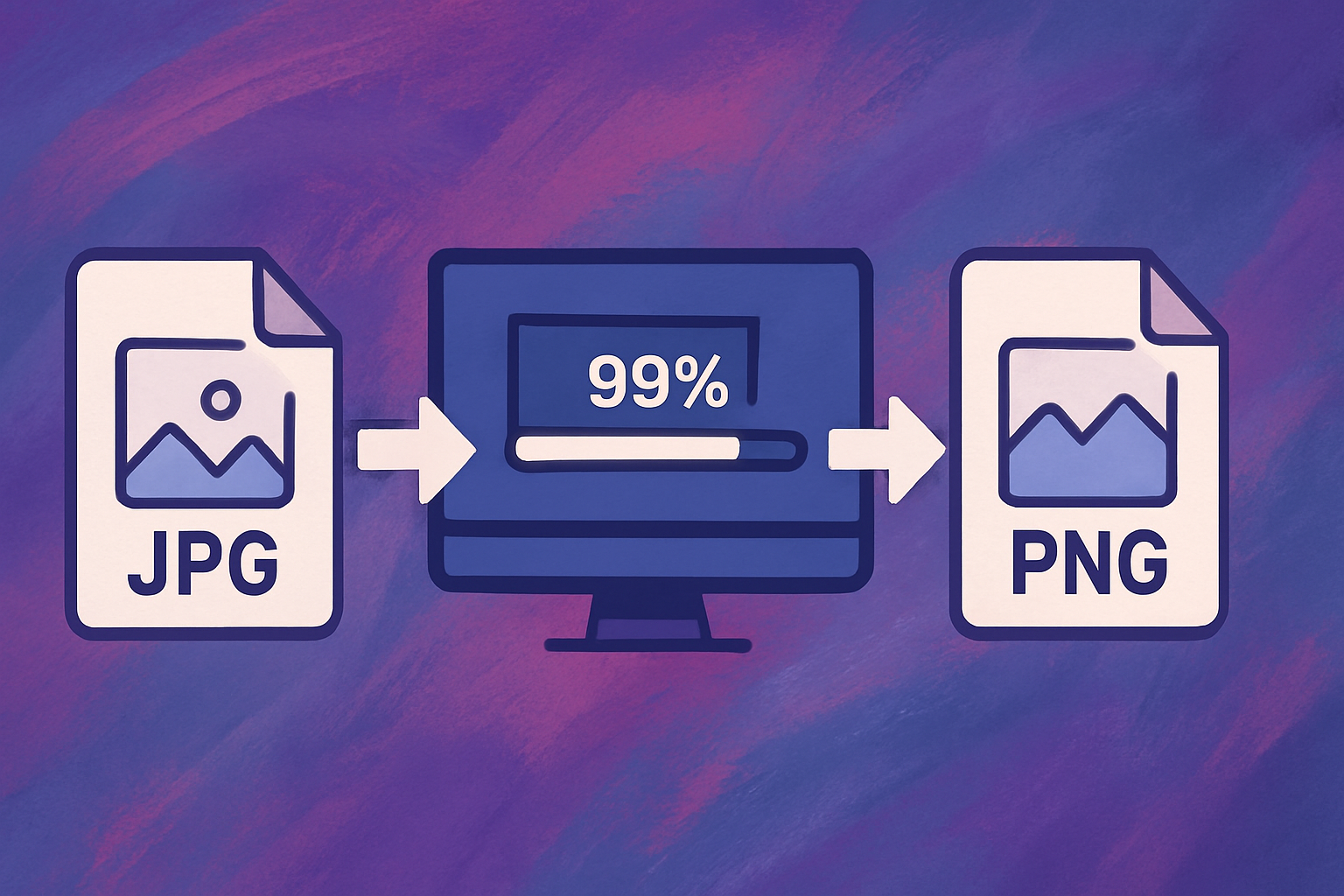
An image converter is a tool that changes a picture from one file format to another (for example, JPG to PNG or HEIC to JPG) so it works with different devices, websites, or software.
Why You Might Need to Convert Images
Different situations call for different formats, and the right converter can help with:
- Sharing iPhone photos – Convert HEIC to JPG or PNG so they work on any device.
- Optimizing for the web – Save images as WEBP for faster page load times.
- Graphic design – Export to PNG for transparency or BMP for specialized workflows.
- Submitting assignments – Meet the file requirements from teachers or clients.
- Social media posting – Ensure your image uploads without errors.
- Web development – Optimize assets for site performance.
Supported Conversions
Our Image Converter All-in-One handles the most common formats, including:
- JPG ⇄ PNG
- JPG ⇄ BMP
- PNG ⇄ BMP
- PNG ⇄ WEBP
- HEIC → JPG, PNG, BMP (ideal for iPhone photos)
- GIF → JPG (static conversion only)
- and more!
Convert single files or run batch conversions in seconds.
How to Use the Image Converter
- Open the tool in your browser.
- Drag & drop your images or click to upload.
- Select your output format (JPG, PNG, WEBP, etc.).
- Click Convert—your files are processed instantly, right in your browser.
- Download your converted images with one click.
Why Our Converter Stands Out
- Privacy-first – All processing happens locally in your browser.
- Fast – Instant results without waiting for uploads or downloads.
- Flexible – Supports all major formats, plus batch processing.
- Free & no-signup – Start converting immediately.
- Mobile-ready – Works on phones, tablets, and desktops.
Final Thoughts
Image format issues shouldn’t slow you down. Whether you need a HEIC to JPG converter, a PNG to WEBP converter, or a simple JPG to PNG converter, our Free Online Image Converter makes it quick, secure, and easy—no matter what device you’re on.
👉 Convert your images now—fast, private, and unlimited.