
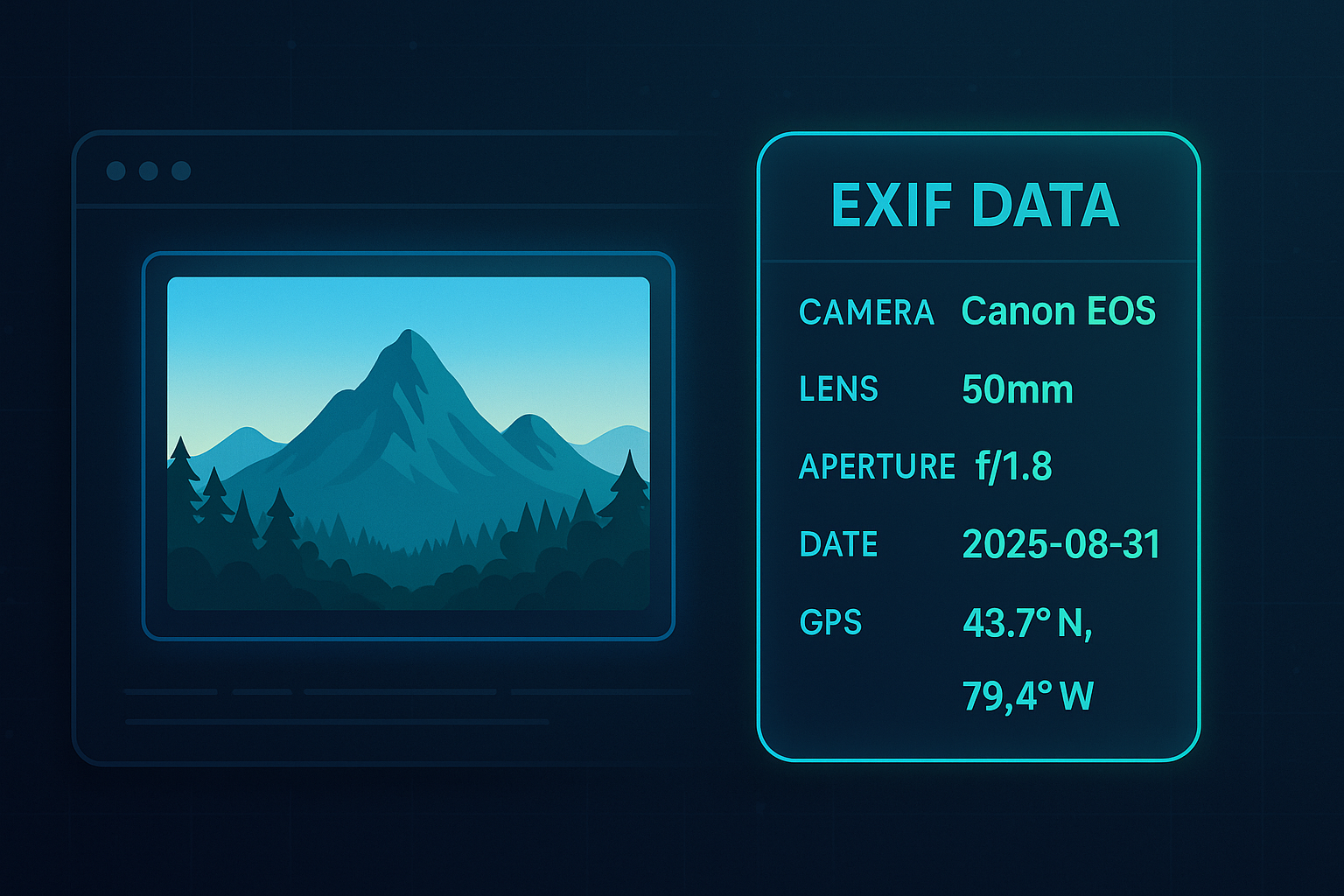
Most of us take photos without thinking twice about what’s hidden inside them. But every time you snap a picture on your phone or camera, your image often carries more than just pixels. It comes with a trail of invisible information called EXIF metadata.
This metadata can include the date and time the photo was taken, your camera settings, and in many cases, even your GPS location. For photographers, this can be useful for reviewing technical details. But for everyday users sharing images online, it can also raise privacy concerns.
That’s why The Tool Bakery created two simple, free tools: one to view the metadata hidden inside your images, and another to remove it completely. Let’s take a closer look at how they work, why they matter, and how you can use them to protect your privacy or improve your workflow.
What Is EXIF Metadata?
EXIF (Exchangeable Image File Format) metadata is automatically written into many image formats like JPG, TIFF, and WEBP. It records details such as:
- Camera make and model
- Exposure settings, ISO, aperture, and white balance
- Image dimensions and resolution
- Date and time
- GPS coordinates (if your device has location services on)
For photographers, this is a goldmine of technical data. But for regular users posting vacation photos, those GPS tags could reveal the exact coordinates of your home, workplace, or travel route — often without realizing it.
Why Remove EXIF Metadata?
Here are a few situations where removing metadata is a smart move:
- Privacy: Strip out location and camera details before sharing online.
- Anonymity: Upload clean images without revealing authorship or editing tools.
- File optimization: Remove unnecessary data to slightly reduce file size.
- Professional use: Many marketplaces and agencies prefer images without embedded metadata.
That’s where our EXIF Metadata Remover comes in.
🧰 EXIF Metadata Remover: Wipe Images Clean
The EXIF Metadata Remover lets you instantly strip hidden data from JPG, JPEG, TIFF, and WEBP images — directly in your browser. Nothing gets uploaded, nothing is tracked, and your photo never leaves your device.
Key Benefits:
- Works 100% in-browser, ensuring full privacy.
- Keeps image quality intact — no compression or blurring.
- Supports multiple common file types.
- Lets you download the cleaned version in one click.
- Simple, clutter-free interface.
Use it when:
- You want to share a photo online without broadcasting your location.
- You’re uploading product photos to an online marketplace.
- You’re preparing images for web use and want them as lean as possible.
📸 EXIF Metadata Viewer: Reveal Hidden Details
Sometimes you don’t want to delete metadata — you want to see it. The EXIF Metadata Viewer makes that easy. Upload any supported image, click “Extract Metadata,” and you’ll instantly see everything hidden inside.
Information You Can See:
- Camera model and lens settings
- Date and time the image was captured
- Dimensions, resolution, and orientation
- Editing software used
- GPS data (if present)
This is useful for:
- Photographers analyzing their camera settings.
- Developers debugging how images are uploaded or processed.
- Privacy-conscious users checking if an image has location data before posting.
Like the remover, the EXIF Meta Viewer is also browser-based and privacy-friendly — no data is sent to our servers.
Everyday Use Cases
Here’s how real people use these tools:
- A parent removes GPS tags before posting family vacation photos.
- A blogger checks metadata to confirm image dimensions before uploading.
- A photographer reviews shutter speed and aperture settings from a past shoot.
- A small business strips metadata before adding images to an online store.
- A developer tests whether an app is preserving or altering EXIF information.
Why These Tools Stand Out
There are plenty of apps that promise metadata editing, but many require downloads, sign-ups, or even uploading your private photos to a third-party server. That’s not ideal if privacy is your main concern.
At The Tool Bakery, we designed both the EXIF Viewer and EXIF Remover to work entirely in-browser. Once the tool loads, everything happens on your device — fast, private, and reliable.
Protect Your Privacy, Unlock Useful Insights
Whether you want to see what’s hidden in your photos or remove it completely, our EXIF Metadata tools give you both options. They’re simple, free, and built with privacy in mind.
👉 Try the EXIF Metadata Viewer
👉 Try the EXIF Metadata Remover
Your images may hold more secrets than you realize — now you have the tools to manage them.