
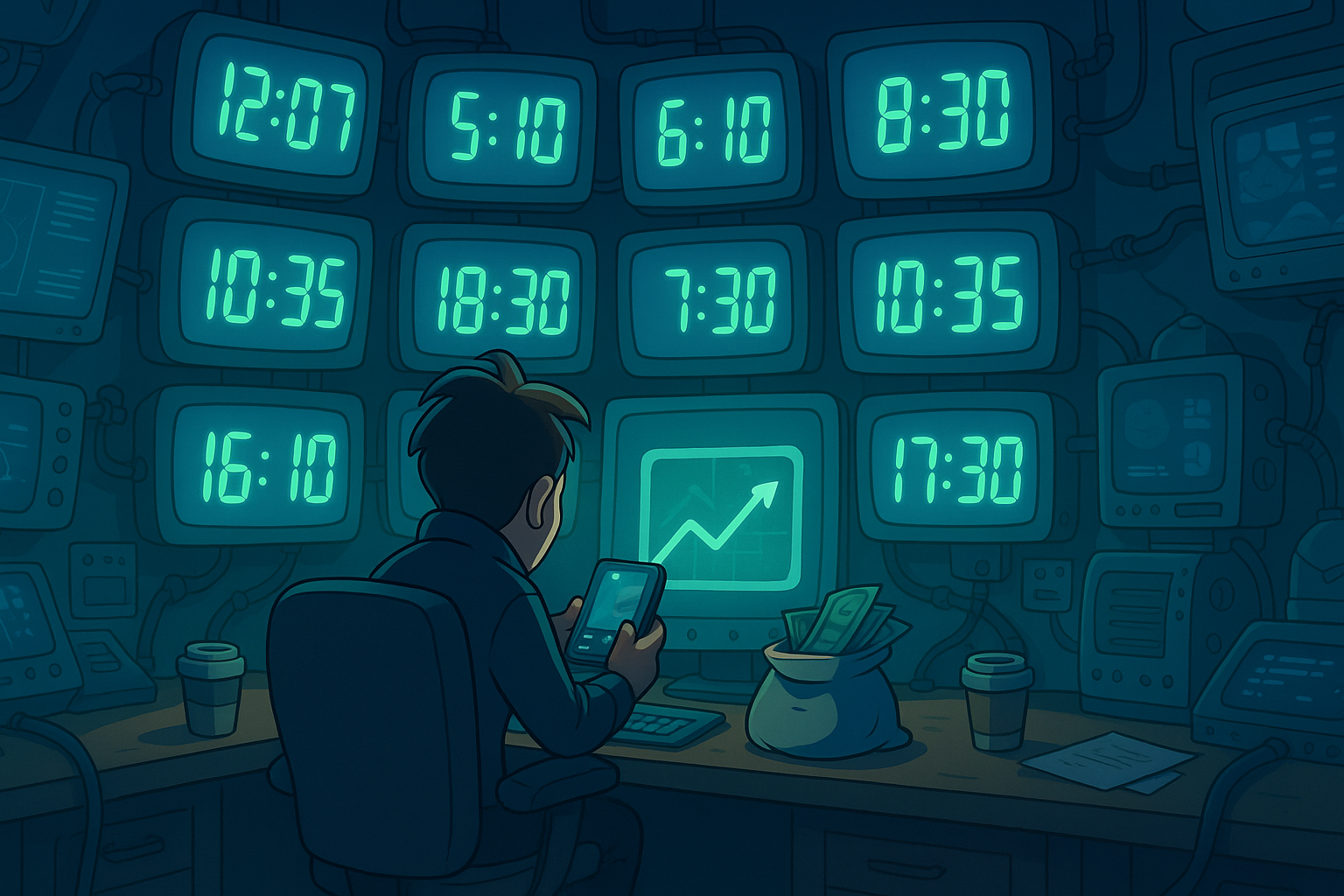
In today’s connected world, we’re constantly working, playing, and communicating across borders. A friend in London, a business partner in Tokyo, a gaming teammate in New York — it’s never been easier to stay in touch, but it can be a nightmare figuring out what time it is for everyone.
How many times have you accidentally scheduled a meeting at 3 AM someone else’s time? Or sat staring at your calendar, wondering if “CET” means one hour ahead or two because of daylight savings?
That’s where World Time Clocks come in. This free, browser-based tool takes the confusion out of international time zones by showing you clear, real-time analog and digital clocks for any city, country, or timezone in the world.
Why World Time Zones Are So Confusing
Before we dive into the tool itself, let’s address the elephant in the room: time zones are complicated.
- There are over 38 different time zones worldwide, not just the “main” 24.
- Countries adjust clocks for Daylight Saving Time (DST) differently — some start in March, others in April, and many don’t observe it at all.
- Certain regions use half-hour or even quarter-hour offsets (looking at you, Nepal and parts of Australia).
- Common abbreviations like PST, EST, or IST can mean different things depending on the country.
The result? Chaos for anyone trying to plan across borders. That’s why digital world clocks are so essential — and why ours is designed to be both simple and powerful.
Meet the World Time Clocks Tool
The Tool Bakery’s World Time Clocks tool lets you check the exact local time anywhere in the world in seconds. Instead of juggling spreadsheets, guessing with Google, or doing mental math, you get an instant, visual snapshot.
Here’s what makes it so useful:
🔎 Search by Country
Type in a country name, and you’ll instantly see all its active time zones. For example, the USA has multiple zones — Eastern, Central, Mountain, Pacific, Alaska, and Hawaii — each displayed with a digital and analog clock.
🏙️ Search by City
Need the current time in Tokyo, São Paulo, or Nairobi? Just enter the city name and get the exact time, no digging through maps required.
⏰ Search by Timezone
If you already know the official timezone code (e.g., America/Toronto), simply enter it and get a direct result. This is great for developers, IT workers, and remote teams who often deal with system-level timezone codes.
🕑 Dual Digital Format
Every result shows 12-hour and 24-hour time, so you don’t have to convert between formats. You also see the official timezone name right alongside the clocks.
🕰 Realistic Analog Clocks
For those who love the visual look of a clock face, each result includes a smooth, animated analog clock with ticking hour, minute, and second hands.
🌐 Free, Fast, and Private
No logins, no downloads, no ads. Everything runs in your browser and updates in real time.
Who Should Use World Time Clocks?
You don’t need to be a globe-trotting executive to find this tool useful. Here are just a few groups that rely on it:
✈️ Travelers
Whether you’re flying abroad, planning layovers, or scheduling calls back home, knowing the local time is crucial for travel planning.
💻 Remote Teams
Global companies and freelancers work across continents. With World Time Clocks, you can plan meetings without accidentally scheduling them during someone’s sleep.
🎮 Gamers & Streamers
Online multiplayer games and live-stream events often involve players from multiple time zones. This tool makes coordination simple.
🎓 Students Abroad
If you’re studying in another country, World Time Clocks makes it easier to balance classes in your new location with family calls back home.
📞 Everyday Users
Sometimes you just want to know what time it is where your cousin lives. Or maybe you’re curious if it’s morning or night in a city you’re reading about.
Real-World Scenarios
Let’s look at how this tool might save you time and headaches:
- Scenario 1: Remote Meeting Planning
You’re in Toronto, your client is in Sydney, and your colleague is in London. With World Time Clocks, you can quickly check each location’s time and find a slot that works for everyone. - Scenario 2: Gaming Night
You’re setting up a global event in your favorite MMO. Your guild has members in Brazil, Japan, and the U.S. Instead of messy back-and-forth chats, you can share a screenshot of the clocks for each region. - Scenario 3: Family Abroad
Your child is studying in Berlin while you’re in California. Instead of waking them up at 2 AM with a call, you check the World Time Clocks first. - Scenario 4: Content Scheduling
Social media managers often need to post at the “right time” for international audiences. Checking the exact local times helps optimize campaigns.
Why Not Just Use Google?
Good question. While you can Google “time in Paris” or “current Tokyo time,” you only get one answer at a time. If you need to track multiple time zones side by side or switch between country-wide and city-specific views, that’s where World Time Clocks shines.
Plus, the analog + digital display combo makes it easier to visualize, especially for scheduling.
Tips for Using World Time Clocks Effectively
- Use Country Search First: If you’re not sure which city or timezone you need, start broad with a country search to see all possibilities.
- Double-Check Daylight Saving: The tool automatically accounts for DST, so the time is accurate even during transitions.
- Save Favorites: Bookmark your most common searches for quick access.
- Use Analog for Visualization: If you’re planning a meeting across three or more zones, the analog view helps you see overlaps more clearly.
- Combine with Calendar Tools: Once you’ve confirmed the right time for everyone, schedule it in your preferred calendar with confidence.
Common Questions (FAQs)
Q: Is the World Time Clocks tool free?
Yes, it’s completely free and requires no sign-up.
Q: Does it work on mobile?
Absolutely. The tool is fully responsive, so you can check world times on your phone, tablet, or desktop.
Q: How accurate is it?
The tool pulls from official timezone databases and updates in real time, so you’ll always see the correct local time.
Q: Can I track multiple cities at once?
Yes — when you search by country, you’ll see all of its timezones side by side.
Q: Does it work offline?
You need an internet connection for real-time accuracy, but the tool itself runs directly in your browser.
Why This Tool Stands Out
There are plenty of world clock apps and sites out there, but many come with clutter, ads, or confusing interfaces. The Tool Bakery’s World Time Clocks is built with a clean, minimalist design that gets straight to the point: show me the time.
The combination of instant search, analog + digital displays, country-wide coverage, and zero sign-up requirement makes it a favorite for both casual users and professionals.
Final Thoughts
Whether you’re traveling, gaming, working, or just curious, knowing the exact time in another part of the world is often more important than we realize. Miscommunication around time zones can lead to missed meetings, awkward calls, or lost opportunities.
With The Tool Bakery’s World Time Clocks, you never have to guess again. It’s free, fast, and beautifully simple — helping you plan, connect, and stay on time across the globe.
👉 Try the World Time Clocks tool today and see how easy it is to track multiple time zones online.